Google GenTabs: Building Web Apps Directly from Your Browser Tabs
Google's new GenTabs tool empowers developers and practitioners to transform browser tabs into functional applications without leaving their workflow. Learn how this innovation streamlines app creation, pricing, and integration capabilities.
Google GenTabs: Building Web Apps Directly from Your Browser Tabs
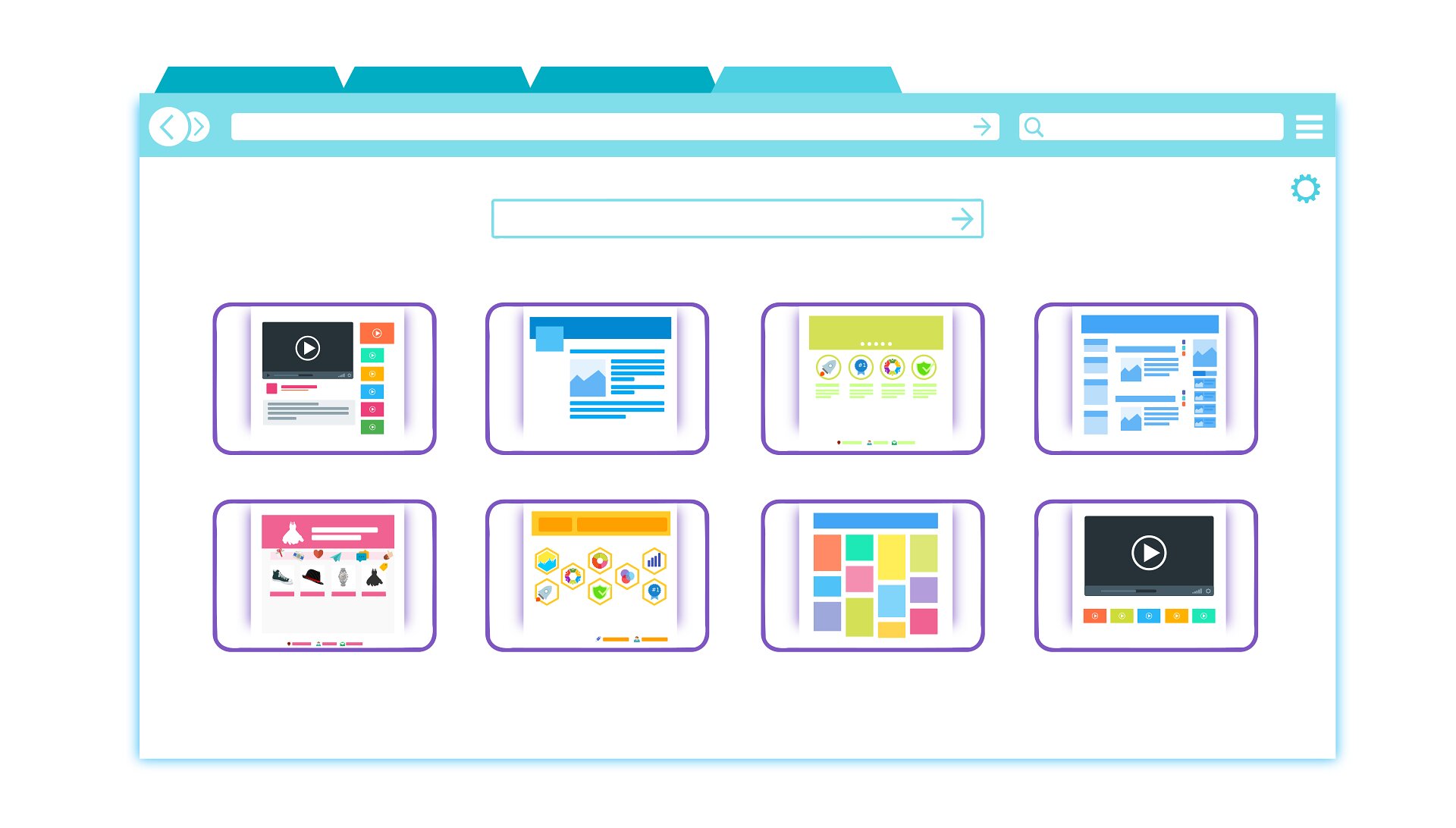
Google has introduced GenTabs, a groundbreaking tool that fundamentally changes how practitioners approach application development. Rather than switching between multiple development environments, GenTabs enables users to create functional web applications directly from their open browser tabs—eliminating context switching and accelerating the development cycle.
What Is GenTabs?
GenTabs represents a shift toward browser-native development workflows. The tool analyzes content, data, and functionality across your active tabs and synthesizes them into cohesive applications. Whether you're pulling data from spreadsheets, referencing documentation, or testing APIs, GenTabs captures your entire working context and transforms it into structured, deployable code.
This approach addresses a persistent pain point: developers often juggle multiple windows, tabs, and tools while building applications. GenTabs consolidates this fragmented workflow into a single, unified interface.
Key Benefits for Practitioners
Faster Development Cycles
- Reduce time spent switching between tools and environments
- Automatically extract and structure data from multiple sources
- Generate boilerplate code from existing tab content
Lower Barrier to Entry
- No complex setup or configuration required
- Works within the familiar browser environment
- Ideal for rapid prototyping and MVP development
Seamless Integration
- Connects directly with Google Workspace tools (Sheets, Docs, Forms)
- Supports popular APIs and third-party services
- Exports to standard frameworks and deployment platforms
Onboarding and Getting Started
GenTabs is designed for immediate usability. The onboarding process involves:
- Enabling the extension in your Chrome browser
- Opening your working tabs with relevant data, documentation, or code samples
- Selecting the GenTabs option from the browser menu
- Configuring your app structure through an intuitive wizard
- Reviewing and deploying the generated application
The tool includes guided templates for common use cases: dashboards, data management systems, internal tools, and customer-facing applications. Practitioners can customize generated code directly or use it as a foundation for further development.
Pricing and Accessibility
Google has positioned GenTabs with accessibility in mind. The tool offers:
- Free tier for individual developers and small projects
- Pro tier ($9.99/month) with advanced features, higher API quotas, and priority support
- Enterprise tier for organizations requiring custom integrations and dedicated support
All tiers include access to Google Cloud integration, basic analytics, and community support.
Integration Capabilities
GenTabs integrates seamlessly with the Google ecosystem and beyond:
- Google Cloud Platform: Direct deployment to Cloud Run, App Engine, or Firestore
- Authentication: Built-in support for Google Sign-In and OAuth 2.0
- Data Sources: Native connectors for Sheets, BigQuery, and Firestore
- External APIs: Support for REST and GraphQL endpoints
- Version Control: Git integration for teams using GitHub or GitLab
- Monitoring: Basic analytics and error tracking included
Practical Use Cases
Internal Tools: Build admin dashboards and data management systems without dedicated backend development.
Customer Dashboards: Create real-time analytics interfaces for clients using their existing data sources.
Rapid Prototyping: Validate ideas quickly before investing in full-scale development.
Data Visualization: Transform spreadsheets into interactive, shareable applications.
Considerations and Limitations
While GenTabs accelerates development, practitioners should note:
- Generated code follows Google's recommended patterns; customization requires familiarity with web development
- Complex applications may require manual refinement beyond the tool's scope
- Performance optimization for high-traffic applications may require additional tuning
Key Sources
- Google Cloud Blog: GenTabs Launch Announcement
- Google Workspace Updates: Browser-Native Development Tools
- Developer Documentation: GenTabs Integration Guide
Looking Ahead
GenTabs represents Google's broader push toward democratizing application development. By removing friction from the creation process, the tool enables practitioners to focus on solving problems rather than managing infrastructure. As the platform matures, expect expanded integrations, additional templates, and enhanced customization options.
For developers seeking to streamline their workflow and reduce time-to-deployment, GenTabs offers a compelling alternative to traditional development environments.
Tags
Enjoyed this article?
Get the top AI stories delivered to your inbox every week. No spam, just the news that matters.
Join our weekly newsletter. Unsubscribe anytime.